Decluttering Your Amazon Experience
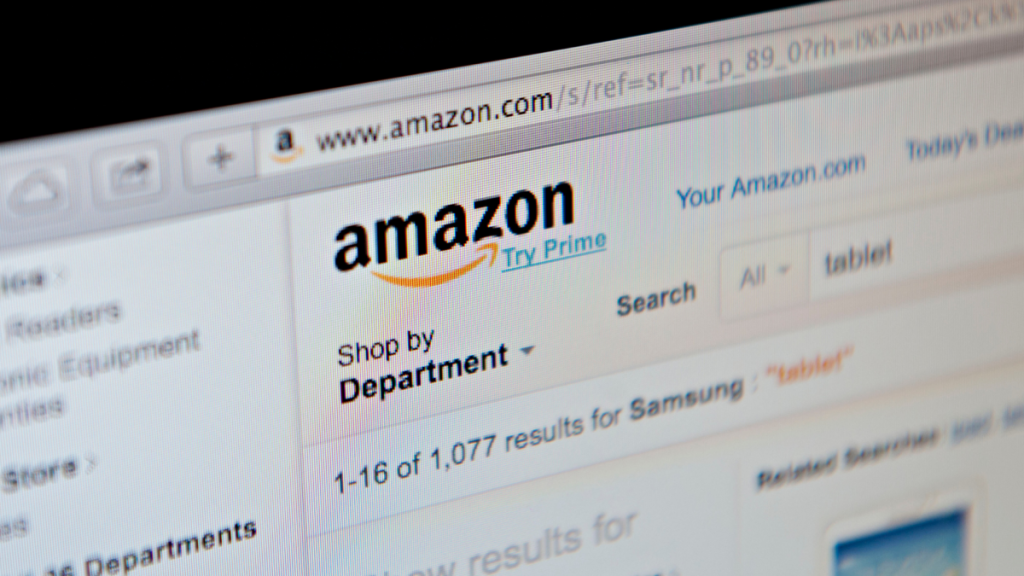
When you shop on Amazon, you inevitably have to sort through a whole lot of sponsored ads and listings for products of dubious quality or from no-name brands with inexplicable names before you find what you’re looking for. Well-known and trusted brands often get buried in the noise, so unless you run a very specific search, there’s effort required to filter out what’s worth considering from what isn’t.
A new browser extension—called Knockoff—aims to handle this decluttering for you. It’s a simple yet effective tool that makes it easier to find the reputable products on Amazon.
How Knockoff Works
Knockoff filters out pseudo-brand listings, which are often characterized by all-caps names, unpronounceable consonant runs, and vanishing vowels. The extension also catches unbranded items and suspicious names. Depending on what settings you select, Knockoff will label, dim, or remove those listings altogether from your Amazon results.
You can also hide sponsored listings and set an allowlist and a blocklist for brands you always or never want to see. The ‘Relaxed’ filter removes only the worst offenders and items on your blocklist, while the ‘Standard’ filter also catches suspicious names and unbranded listings. If you choose ‘Strict,’ you’ll see only what’s on your allowlist.
The extension, created by developer Josh Pigford, runs locally on your device and doesn’t require a user account login or track your search activity. It is also free and open source, and integrates community feedback to keep its list of curated ‘safe’ brands current.
The Importance of Community Feedback
The Knockoff extension relies heavily on community feedback to keep its list of curated ‘safe’ brands current. This ensures that the extension stays up-to-date with the latest developments and maintains its accuracy in filtering out pseudo-brand listings.
Unknown brands aren’t necessarily bad, and you don’t necessarily need to discount every seller that isn’t a household name. For example, Lifehacker e-reader reviewer Joel Cunningham noted that, at least as of the time of publication, the extension blocks items from Xteink, a Chinese company that makes a line of pocket e-readers that have gathered a fervent following in recent months.
If you use the ‘labeled’ or ‘dimmed’ settings, you can still see and compare filtered items and look for other trust signals before making a purchase. For example, you should read a mix of recent reviews, check the seller’s profile, view the price history, and compare product specs beyond the listing’s title.
Conclusion
The Knockoff browser extension is a game-changer for Amazon shoppers. It makes it easier to find the reputable products on Amazon and saves you time and effort in the process. By filtering out pseudo-brand listings and suspicious names, Knockoff helps you make informed purchasing decisions and avoids potential scams.