Renaming NotebookLM as Gemini Notebook
Google has announced a significant change to its NotebookLM product, which has been around since May 2023. The platform, originally introduced as Project Tailwind, is now being rebranded as Gemini Notebook. This move aims to simplify the company’s suite of AI tools and make it easier for users to understand the various products.
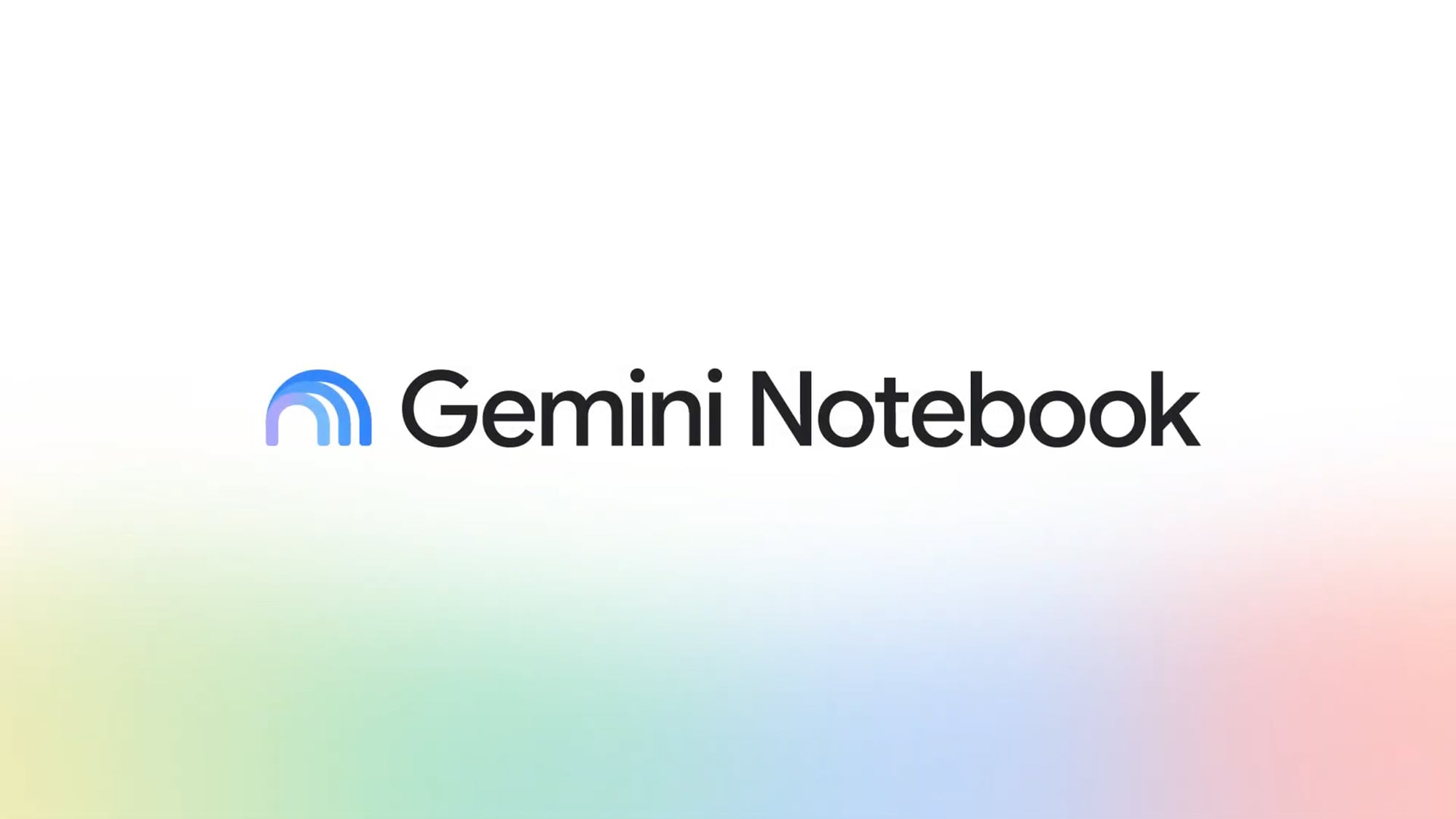
Source: lifehacker.com
In a statement, Google emphasized that Gemini Notebook will remain a standalone product but will now be integrated more closely with the Google ecosystem. This includes the ability to access notebooks within the Gemini app and Google Search. Users can expect their notebooks to appear in AI Mode in Google Search for reference, a feature that is currently rolling out.
Upgrades for Pro Plan Users
Google Pro plan users ($19.99 a month) will soon be receiving the upgrades that were previously exclusive to Ultra plan users ($99.99 or $199.99 a month). These upgrades include a dedicated cloud computer for each notebook, enabling deeper analysis of sources and the ability to write and execute code natively via Google Antigravity. Additionally, users will be able to create PDFs, charts, and slideshows within their notebooks, and edit them through prompts.
The upgrades will also bring more capabilities to the app, including the ability to create and edit notebooks, as well as turn notes into audio podcasts and video overviews. Users can also access their notebooks in the main Gemini app, where they can view and interact with the content.
Key Differences Between Gemini and Gemini Notebook
One of the main differences between the standard Gemini AI chatbot app and Gemini Notebook is the latter’s focus on research. Users can load up a bunch of sources, from YouTube videos to PDFs, and then get Gemini Notebook to query and summarize those sources, with citations. This makes Gemini Notebook a valuable tool for students, researchers, and professionals who need to analyze and organize large amounts of information.
Another key difference is the ability to create images and videos out of a single prompt, without one or more sources to work from. This feature is currently not available in Gemini Notebook but is a part of the main Gemini app. However, users can still access their notebooks in the main Gemini app and view the content in a more traditional format.
Latest Feature Upgrade: Short Video Overview
For seasoned NotebookLM/Gemini Notebook users, a new feature upgrade was rolled out to all users a couple of weeks ago. The feature, called Short Video Overview, adds a shorter, vertical video format for summary options. Users can access this feature by clicking on the Video Overview button and then selecting the Short option.
This upgrade is a testament to Google’s commitment to improving and expanding its AI products. By listening to user feedback and incorporating new features, Google is creating a more comprehensive and user-friendly platform for its customers.